
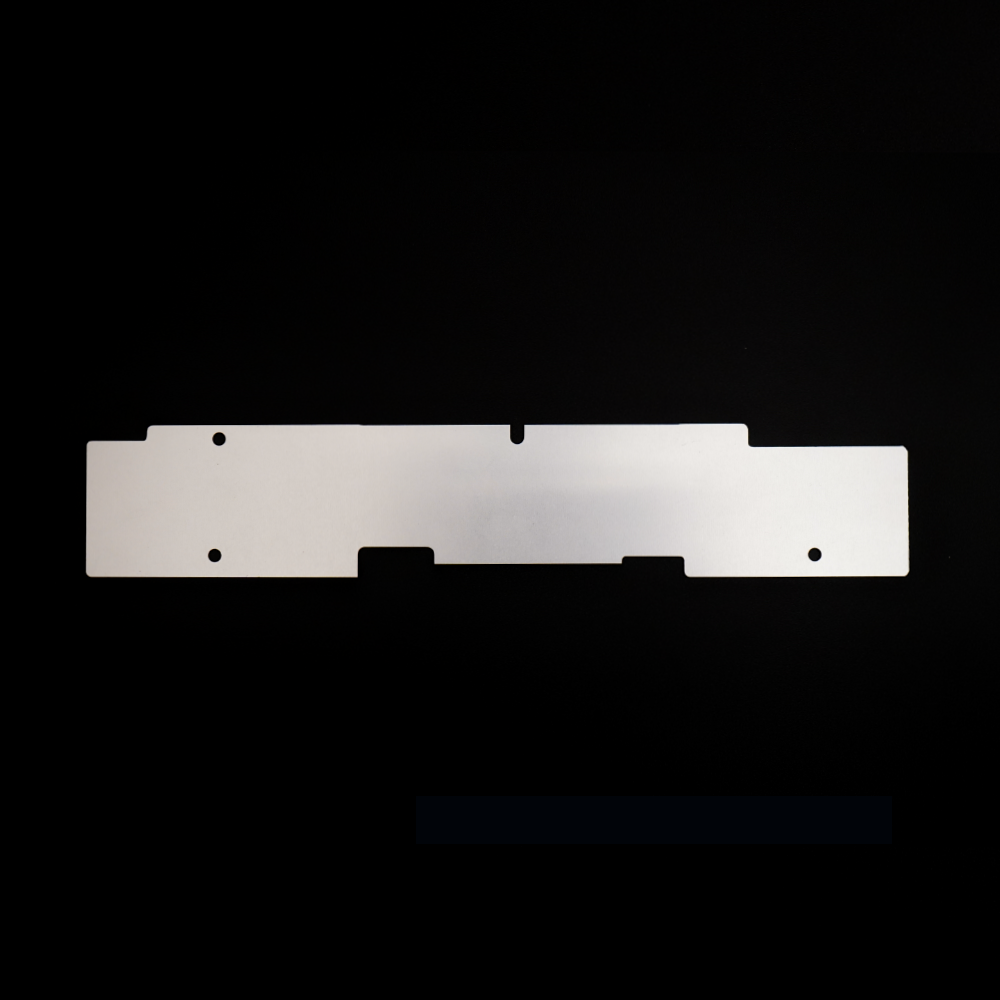

A passive cooler is only as good as the materials it’s made from. With no fan to move air and no power to pump heat, everything depends on how quickly the material itself can pull heat away from the chip and spread it out. That’s why Chillplate pairs aircraft-grade aluminum with graphene.
Why Material Matters in a Fanless Laptop
In a MacBook Air, heat builds up in a small area around the chip. The aluminum case can shed that heat, but only if it actually reaches the rest of the case. When heat stays concentrated in one spot, the chip gets hot and slows itself down, even though most of the case is still cool.
The job of a heat spreader is to close that gap: take heat from the hot spot and move it across a much larger area. How well it does that comes down to the thermal conductivity of its materials.
Aircraft-Grade Aluminum: The Backbone
Aluminum is one of the most widely used materials for heat sinks and heat spreaders, and for good reason:
- Excellent thermal conductivity. It moves heat quickly, which is exactly what a passive spreader needs.
- Light weight. It keeps a strong plate light enough for a laptop built around portability.
- Precision machining. Each Chillplate is CNC-machined to follow the inside of the MacBook Air’s chassis closely.
- Durability. It doesn’t wear out, degrade, or need maintenance.
It’s also the same family of material as the MacBook Air’s own case, so heat moves naturally from Chillplate into the chassis.
Graphene: Spreading Heat Sideways
Graphene is a layer of carbon atoms arranged in a flat, honeycomb-like sheet. It’s known for being very good at moving heat along its surface, which makes it a strong partner for aluminum in a heat spreader.
In Chillplate, graphene helps carry heat away from the hottest area and out across the plate, so the aluminum and the case can dissipate it over a larger surface.
How the Two Work Together
- Heat leaves the chip area and enters Chillplate through the thermal pad.
- Graphene spreads it sideways across the plate, away from the hot spot.
- Aluminum carries it into the bottom case, where the whole surface helps it dissipate.
The result is a more even temperature across the machine instead of one hot zone, all without a single moving part.
No Electronics, No Compromise
Because the cooling comes from the materials themselves, Chillplate needs no power, battery, or fan. It sits silently inside your MacBook Air, between the motherboard and the bottom case, and works any time the laptop is warm.
Final Thoughts
Good passive cooling isn’t magic. It’s the right materials in the right place. Aircraft-grade aluminum and graphene give Chillplate a fast, silent way to move heat out of your MacBook Air.
Learn more and see supported models (13″ and 15″, M2–M5) at chillplate.store.